
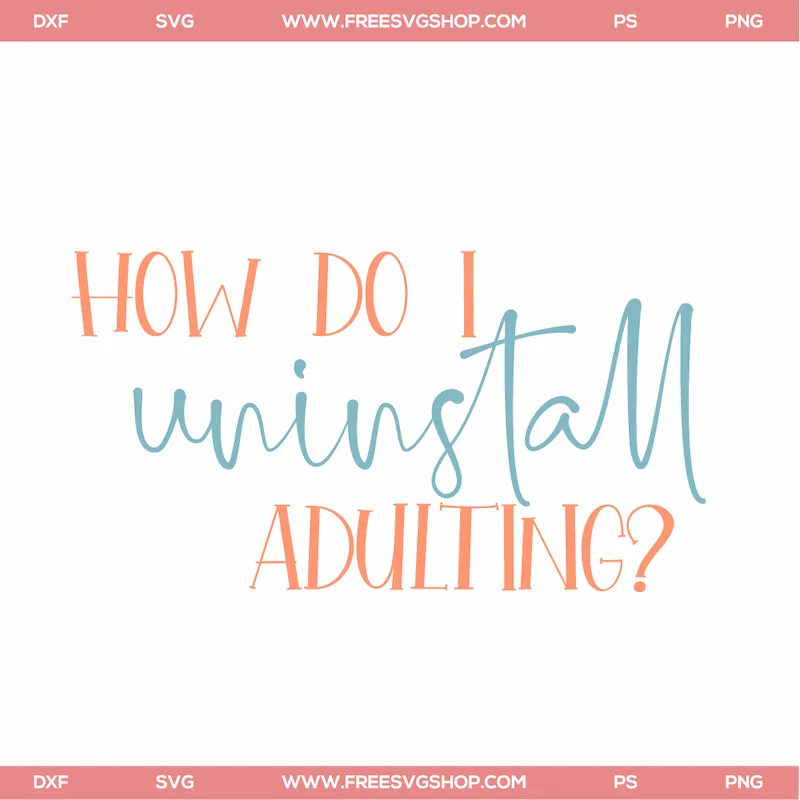
How Do I Uninstall SVG
A quote design reading "How Do I Uninstall", drawn wide rather than tall so it fills a shirt front or a wooden sign. Included with it: a transparent PNG for print-then-cut and sublimation and a ZIP holding every format at once. Upload the SVG straight into Cricut Design Space or Silhouette Studio Designer Edition — no conversion step. Set the width to 9–11 inches before cutting so the letter spacing stays open enough to weed.
Download SVG- Download EPS EPS — Illustrator and CorelDRAW · 2.6 MB
- Download PNG PNG — transparent, print-then-cut & sublimation · 83 KB
- Download ZIP ZIP — every format in one bundle · 702 KB
- Formats
- EPS, PNG, SVG, ZIP
- File size
- EPS 2.6 MB · PNG 83 KB · SVG 20 KB · ZIP 702 KB
- Design type
- Lettering / quote
- Suggested size
- 9–11 inches wide
- Category
- Adulting SVG
- Added
- July 26, 2026
- Works with
- Cricut, Silhouette, ScanNCut, Glowforge
- Price
- Free — no account, no email, no watermark
- License
- Free for personal projects. Read the terms
Cutting note: size this one to about 9–11 inches wide before you cut, and mirror the mat if you are pressing heat transfer vinyl. Full machine-by-machine instructions cover Cricut, Silhouette, ScanNCut and Glowforge.